Witch’s Tidy-Up
Bring a little order to a witch’s home. Pick up scattered spellbooks, potion bottles and herbs, sort 24 kinds of belongings, and fill empty shelves in this cozy first-person organizing game. Unlock helpful abilities as you tidy, gathering, carrying and putting away more at once.
N/A
VGDB Score
Be the first to review
Overview
Summary
Bring a little order to a witch’s home. Pick up scattered spellbooks, potion bottles and herbs, sort 24 kinds of belongings, and fill empty shelves in this cozy first-person organizing game. Unlock helpful abilities as you tidy, gathering, carrying and putting away more at once.
Description
About This Game
A little magic. A lot to tidy.
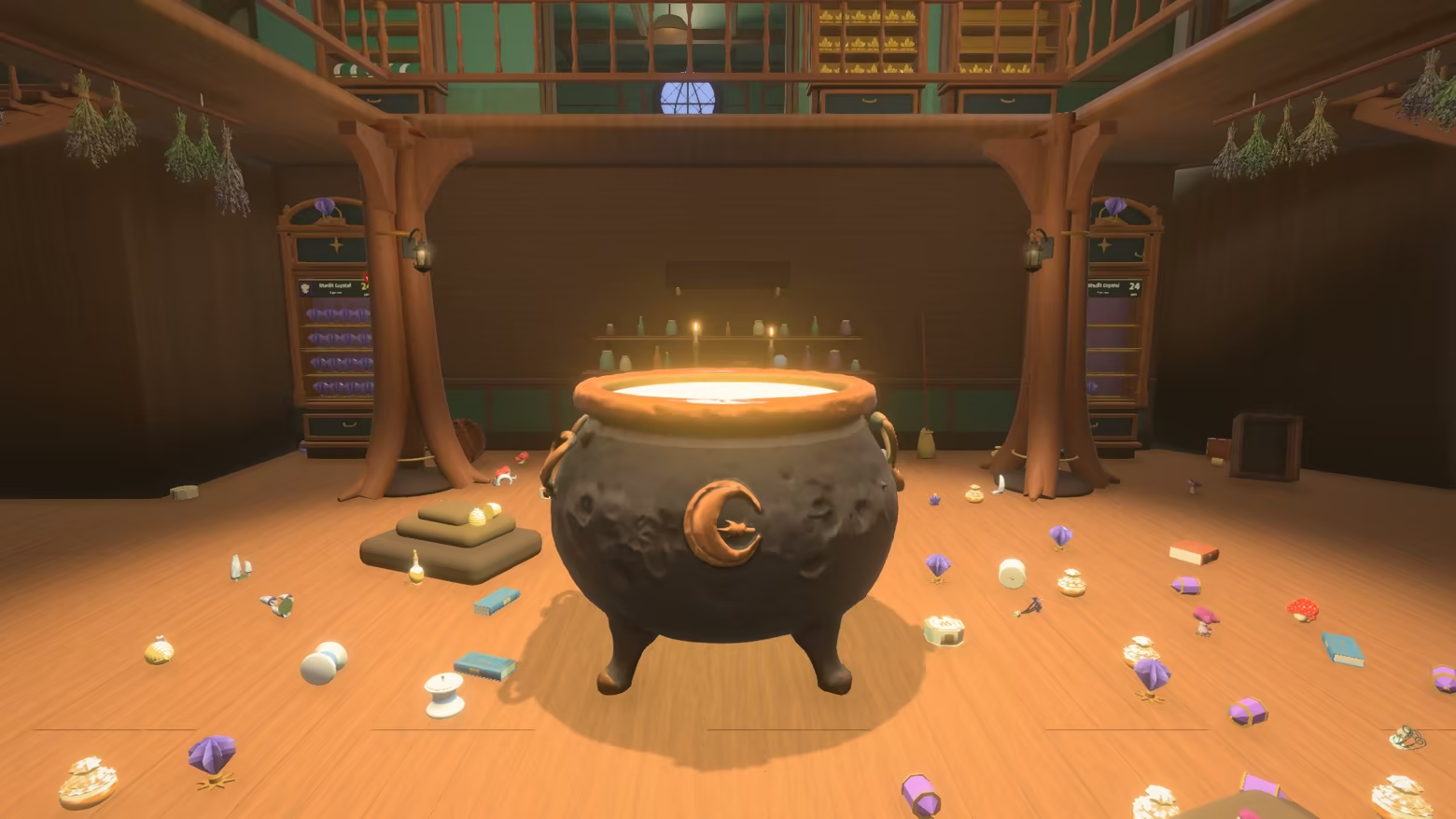
Spellbooks lie in piles on the floor. Potion bottles and herbs crowd the worktables. Pick them up, find where each kind belongs, and watch a witch’s cluttered home become orderly, one small task at a time.
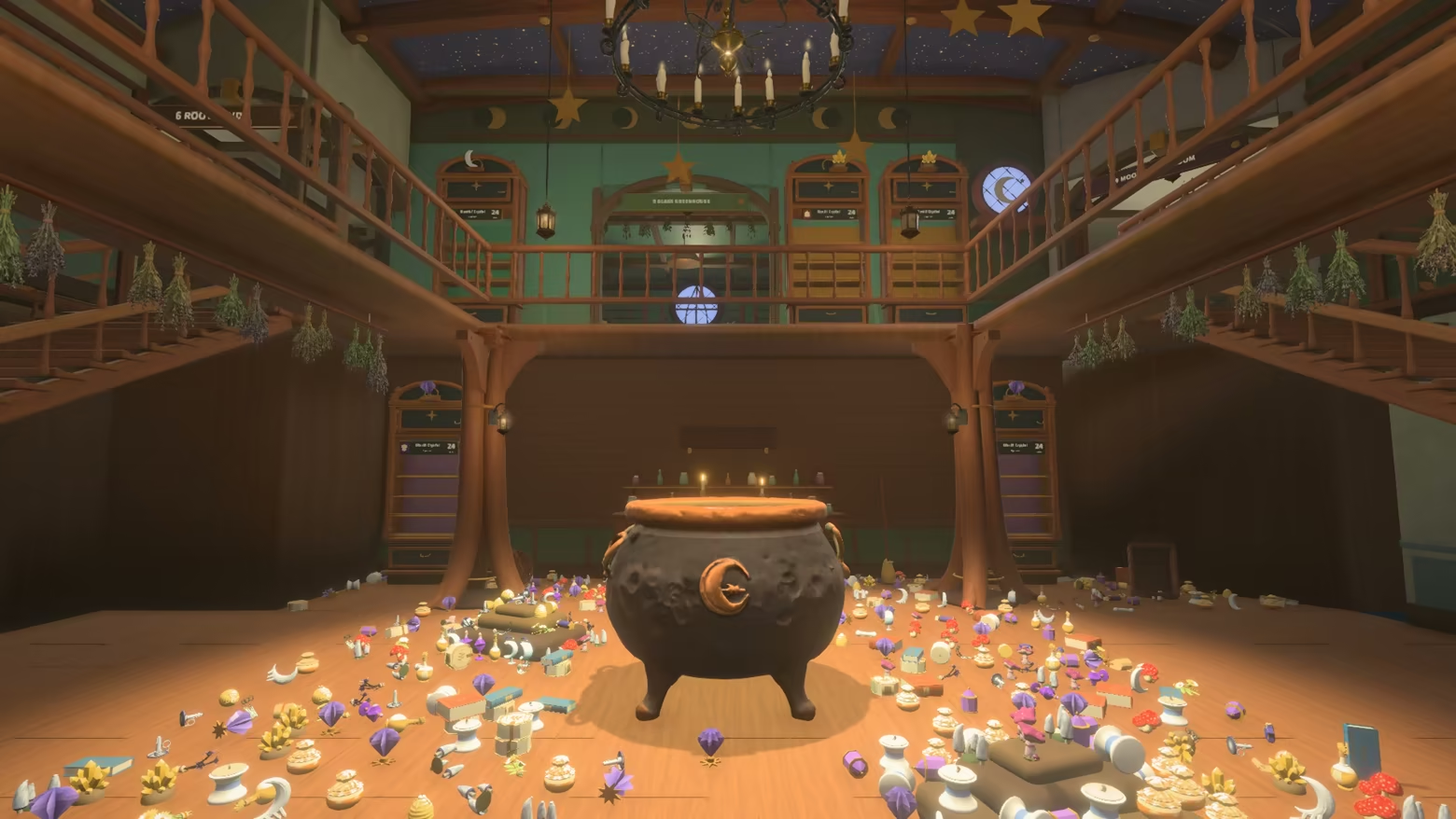
Find a place for everything
Broad leather spellbooks, slender blue notebooks and cream-colored clasped volumes each have their own place. Look at an object’s shape and the sample on its cabinet, then tuck it into the matching space. Enjoy seeing a scattered pile shrink and an empty shelf fill, row by row.
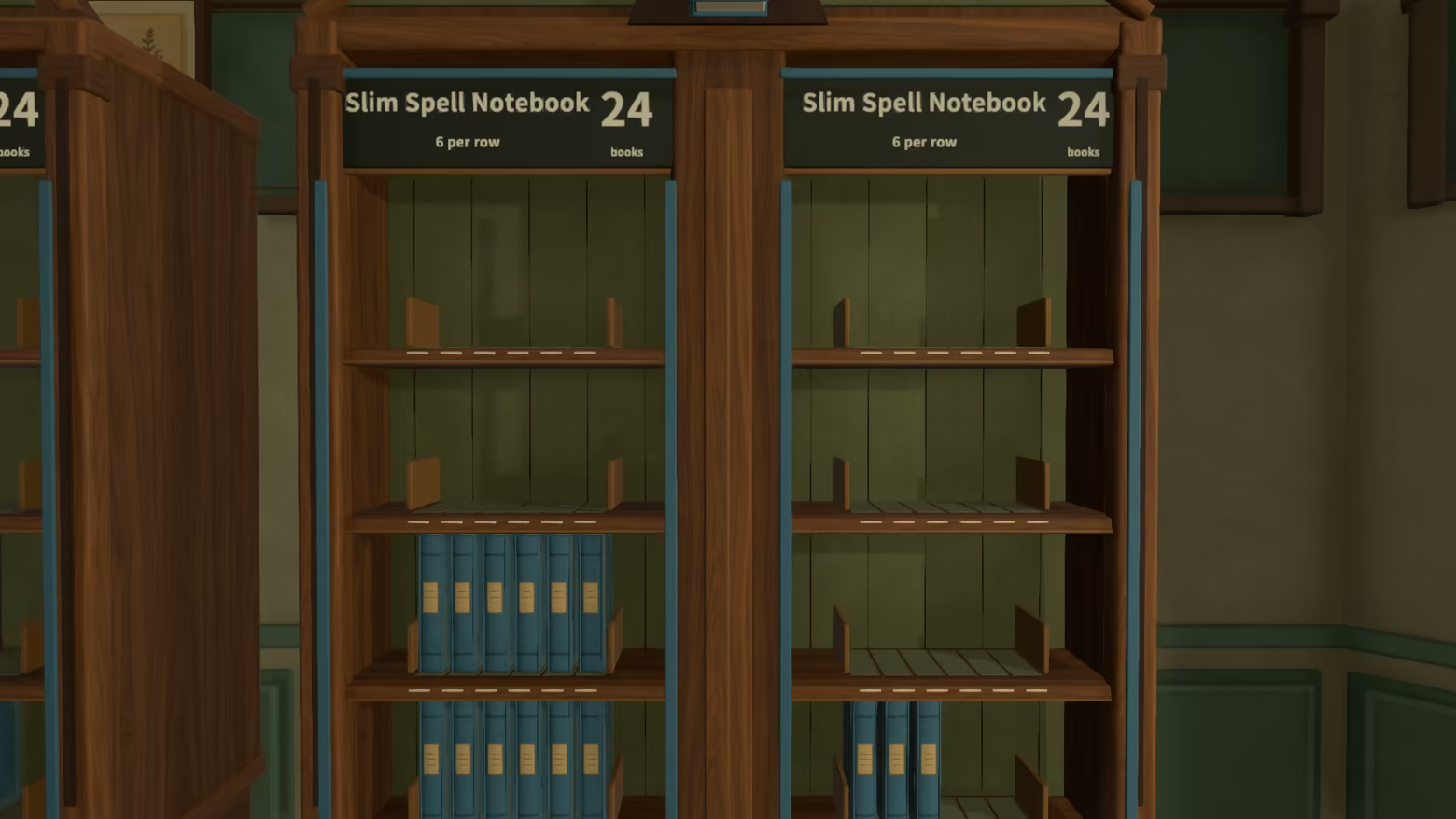
Six rooms, one cozy home
Wander between two floors and six rooms, from the entrance bookshelves and potion room to the upstairs conservatory and study. Organize 24 kinds of belongings across eight families: spellbooks, potions, herbs, candles, mushrooms, crystals, scrolls and ingredient jars. Use the minimap and floor maps to find your next destination.
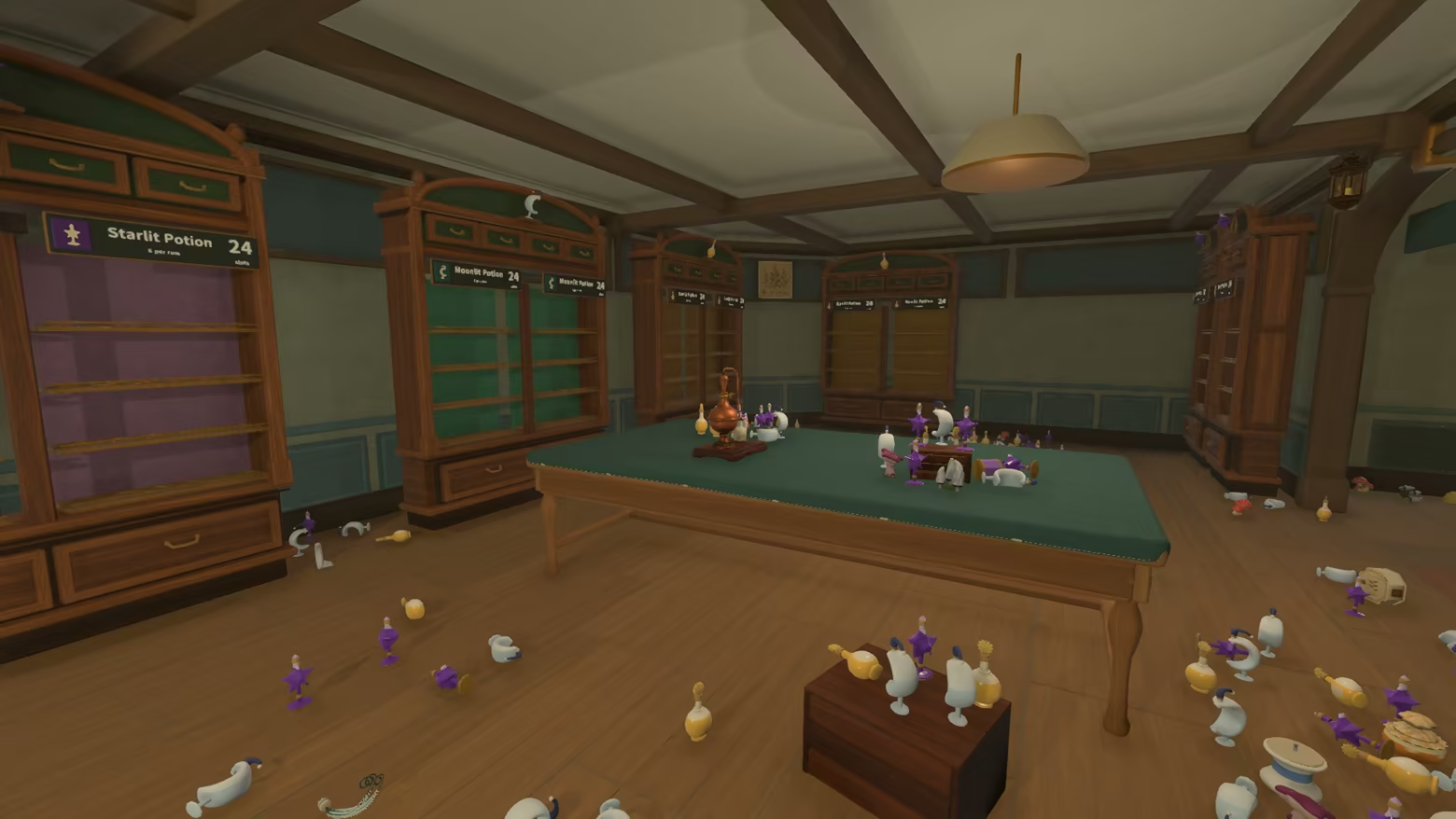
Make tidying feel easier
Start with a few objects at a time. As you make progress, unlock abilities to gather matching items, carry larger handfuls and put several objects away together. Develop a tidying rhythm that suits you.
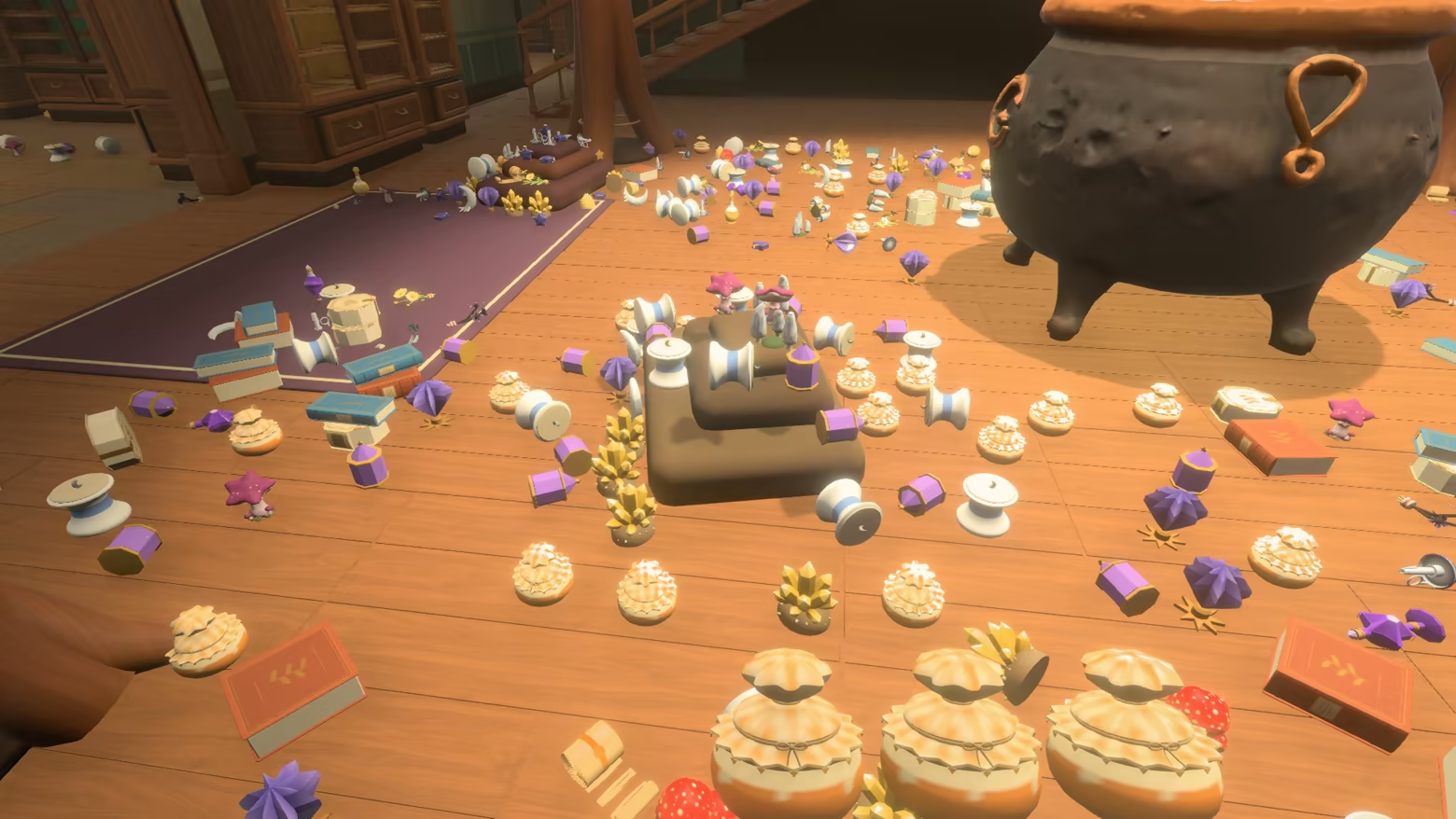
Leave a little for later
Finish a shelf, clear a room, or simply enjoy a short tidying session. Save your progress and return to the remaining clutter when you are ready.