STOREBOT: Tidy Up PC Parts
Organize thousands of PC parts, complete shelves, unlock powerful upgrades, and work together with friends to tidy up a chaotic computer store. Carry, throw, and sort boxes across two unique maps while building your perfect store.
N/A
VGDB Score
Be the first to review
Overview
Summary
Organize thousands of PC parts, complete shelves, unlock powerful upgrades, and work together with friends to tidy up a chaotic computer store. Carry, throw, and sort boxes across two unique maps while building your perfect store.
Description
About This Game
A mountain of PC parts. A shelf for every box.
Welcome to STOREBOT: Tidy Up PC Parts, a first-person organizing game where scattered computer component boxes become a neatly stocked store. Pick them up, find their place, and bring order to the chaos—on your own or with friends.
ONE BOX AT A TIME
Carry, toss, and shelve thousands of PC component boxes. Match products to their shelves and watch cluttered aisles gradually turn into tidy displays. Every completed section brings you closer to a job well done.
UPGRADE YOUR WORKDAY
Earn coins and unlock upgrades and skills to help you tackle the mess. As your tools improve, take on the mountain of boxes with new ways to pick up and organize them.
CLOCK OUT TOGETHER
Share the workload in online co-op. Split up across the aisles or tackle the same section together—just try to get those flying boxes onto the right shelves.
TWO MAPS. PLENTY TO TIDY.
Organize the Computer Parts Store and the Industrial Warehouse, each with a different layout and atmosphere. Turn scattered stock into orderly shelves, one section at a time.
COLLECT ARTIFACTS. POWER UP YOUR SKILLS.
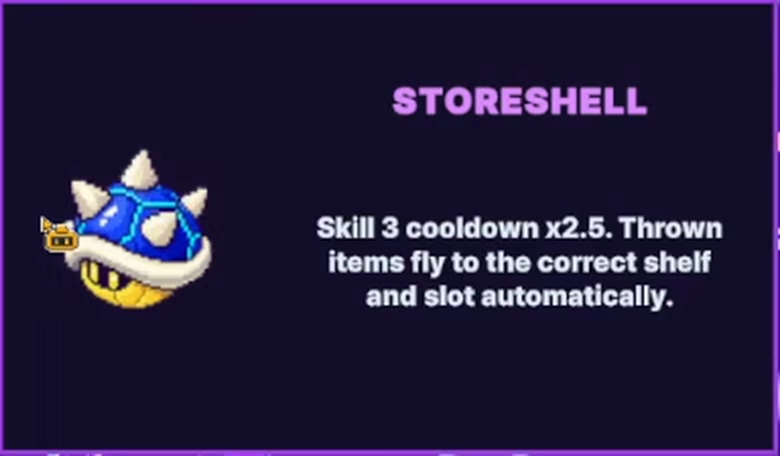
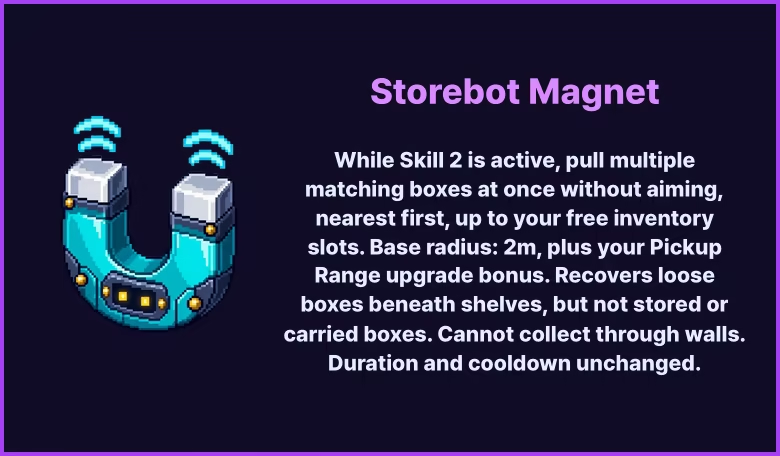
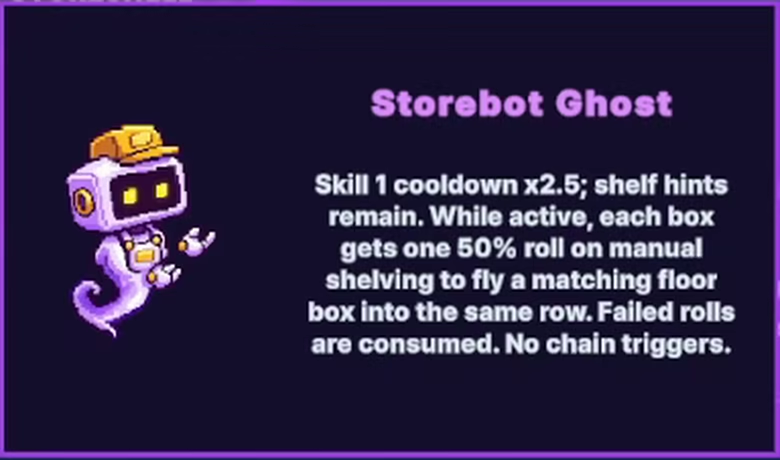
Discover eight unique artifacts that enhance your robot and its skills—from shorter cooldowns to longer-lasting effects. Find new ways to tackle the mess, unlock hats to customize your StoreBot, and earn achievements along the way.