Overview
Summary
Guess the type of instrument being played.
Description
About This Game
—Guess the instrument—
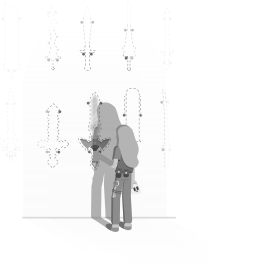
Enter the room and the performance begins!
Guess the type of instrument being played.
The number of instruments increases with each stage.
Once you know the instrument, press the "E" button or left-click in front of it.
You can also listen to the sound of each instrument.
8 stages in total. If you get it wrong, start again from "1".
Game Features
・Easy mouse and keyboard controls
Click operation and camera movement (WASD + drag)
・Listen to the "sound" and guess the "instrument"
Game Content
・8 stages in total
Clear by getting 8 correct answers in a row
・Guess the type of instrument being played
When you enter a room, the music starts randomly.
Press the "E" button or left-click in front of the instrument you think is correct.
If the number and instrument match, proceed to the next stage.
If you get it wrong, start again from 1.
Game Controls
・Character control with keyboard: WASD + Camera control: Mouse drag
・"E" button allows you to listen to the sound of instruments and select them.
If you're using a controller, press the B button.
・Right-click and keyboard P allow you to pause the menu and change the language.
Question
Q: Aren't the instrument sizes strange?
A: We've made the instruments larger to make them easier to see.
Q: Is it really at a level that could be called a performance...?
A: The main game is guessing the instruments!
For streaming guidelines, please see "Access the website" on the page.