Keycap Co
Run your own keyboard shop. Choose what to stock, set prices, hire staff, and arrange the shelves. Grow from a small store into your own keyboard brand, designing new boards and selling them in your shop and through wholesale orders.
N/A
VGDB Score
Be the first to review
Overview
Summary
Run your own keyboard shop. Choose what to stock, set prices, hire staff, and arrange the shelves. Grow from a small store into your own keyboard brand, designing new boards and selling them in your shop and through wholesale orders.
Description
About This Game
Keycap Co is a management game about running a keyboard shop and starting your own keyboard brand. Begin with a small store and a few shelves. Choose your stock, set your prices, and use the profits to expand.
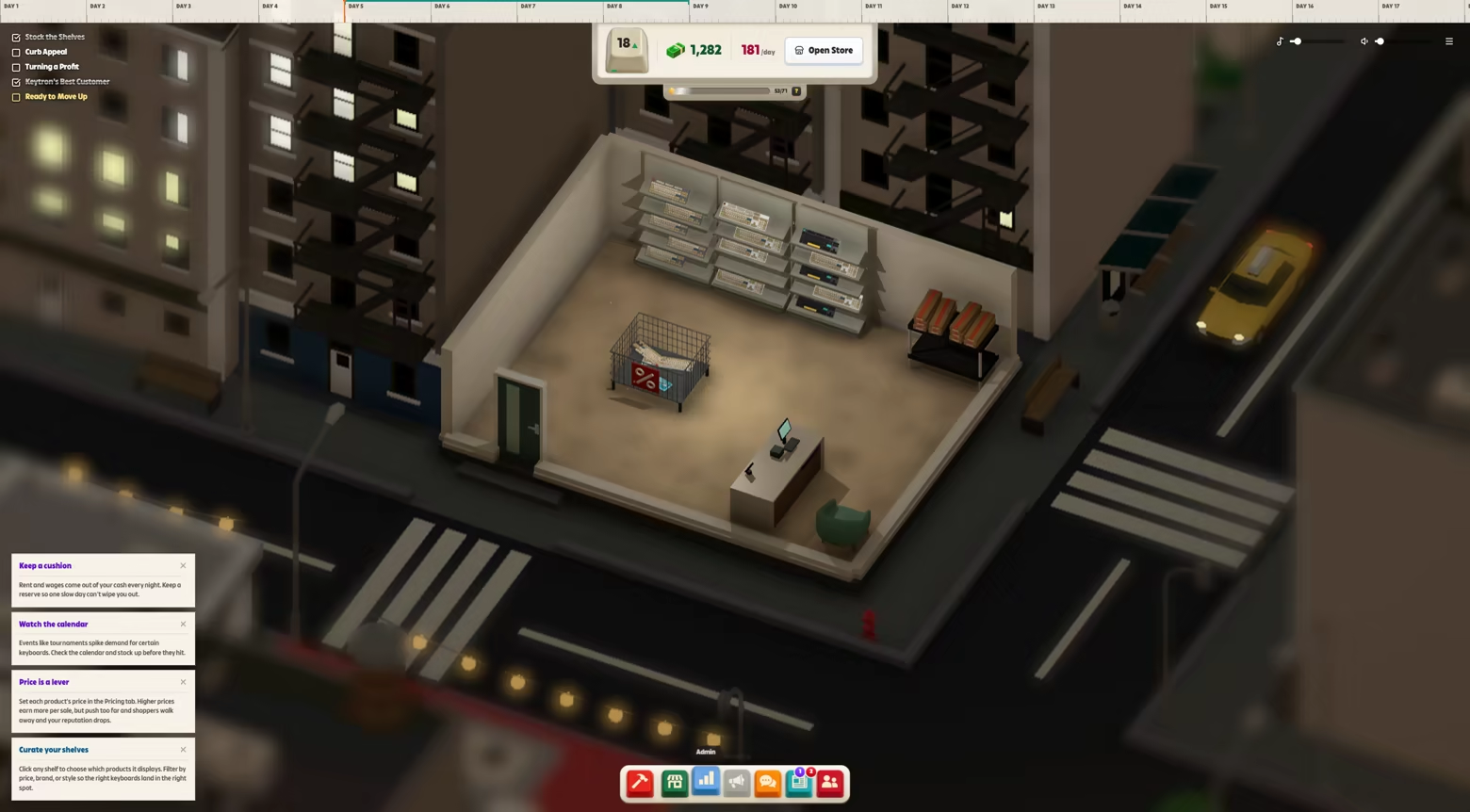
Run the shop
Order keyboards from different suppliers, from budget office models to expensive custom builds. Your customers have different budgets and preferences. Find out what they want, decide what to stock, and adjust prices when boards aren’t selling.
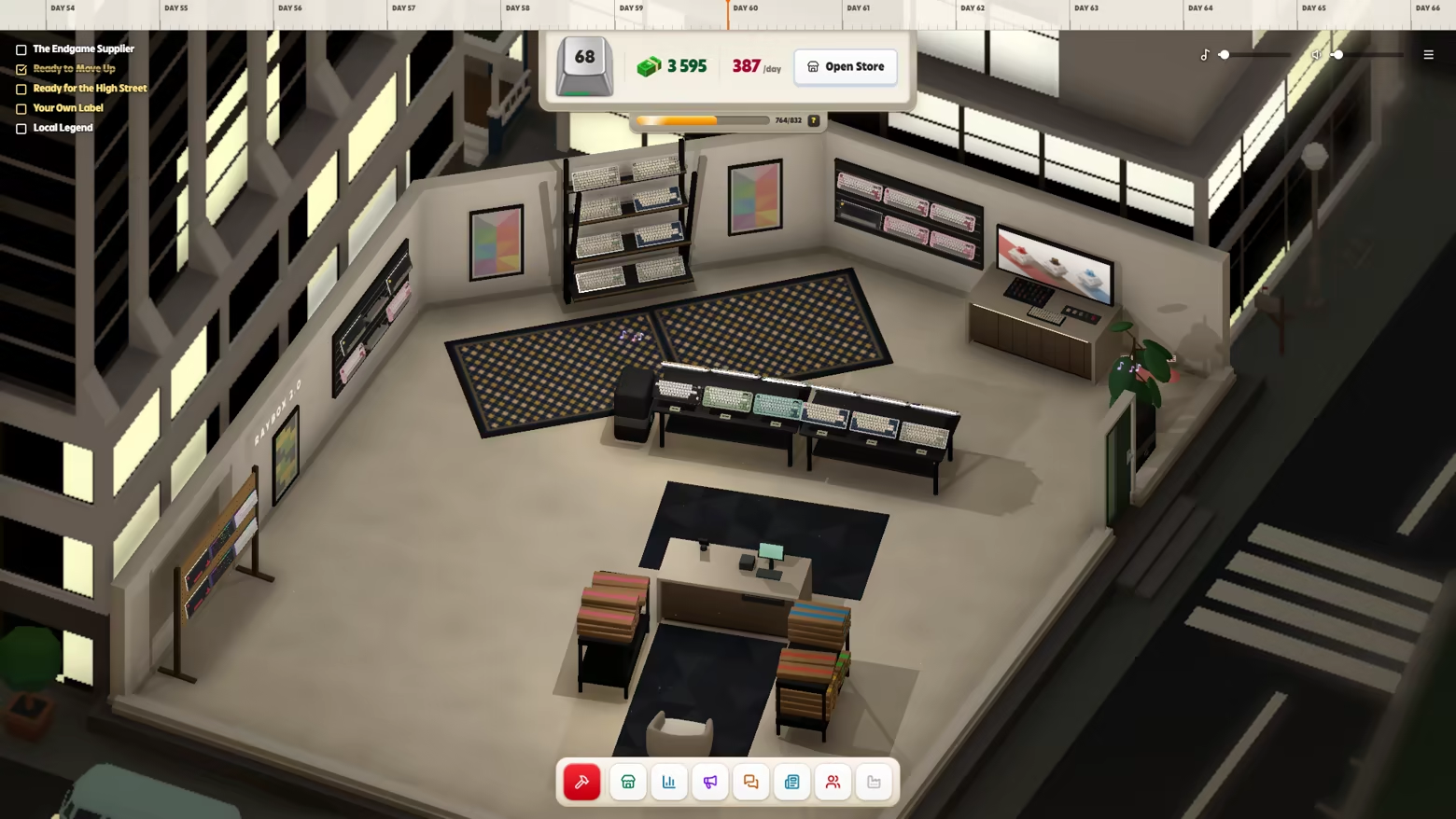
Hire staff to help customers, work the checkout, and keep the shelves full. Plan the shop layout, add furniture and decorations, and move into larger stores as the business grows.
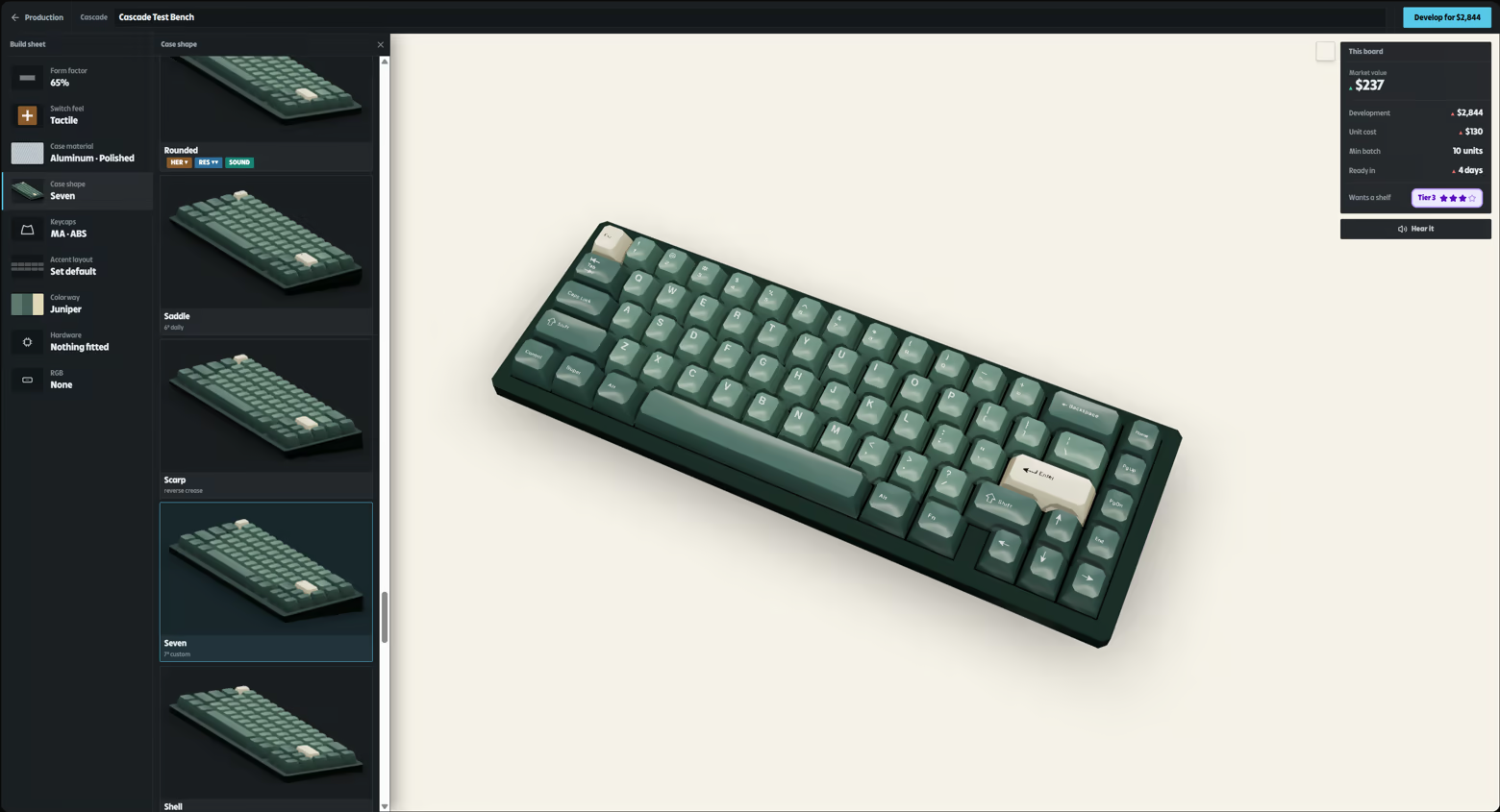
Design your own keyboards
Start your own brand and choose the cases, switches, keycaps, and features for your keyboards. Research new options, pay for production, and launch your designs.
Sell them in your shop and fill wholesale orders. Read the press reviews to see what people liked, what they disliked, and what you could change for your next release.
See what customers think
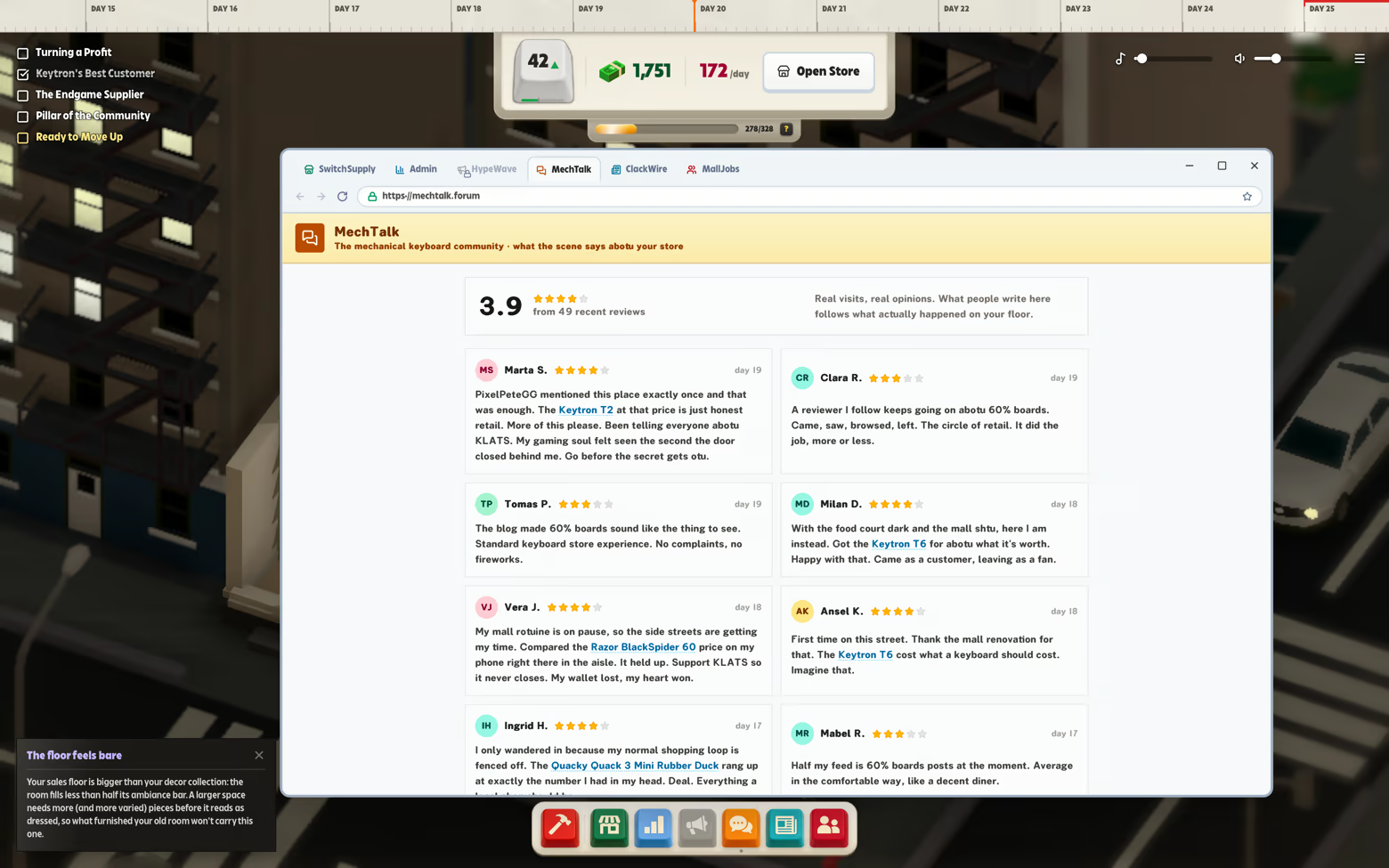
Customers leave reviews based on their visits. They might thank the employee who helped them, complain about the price, or mention a keyboard they couldn’t find. Use their feedback to improve the shop.
Hear the keyboards
Listen as customers test keyboards around the shop, with different sounds for linear, tactile, clicky, and silent switches.